Online Visibility for Local Service Businesses
Your Business Deserves to Be Seen. Let's Make It Happen!
More Jobs. Less Office. More Happiness.


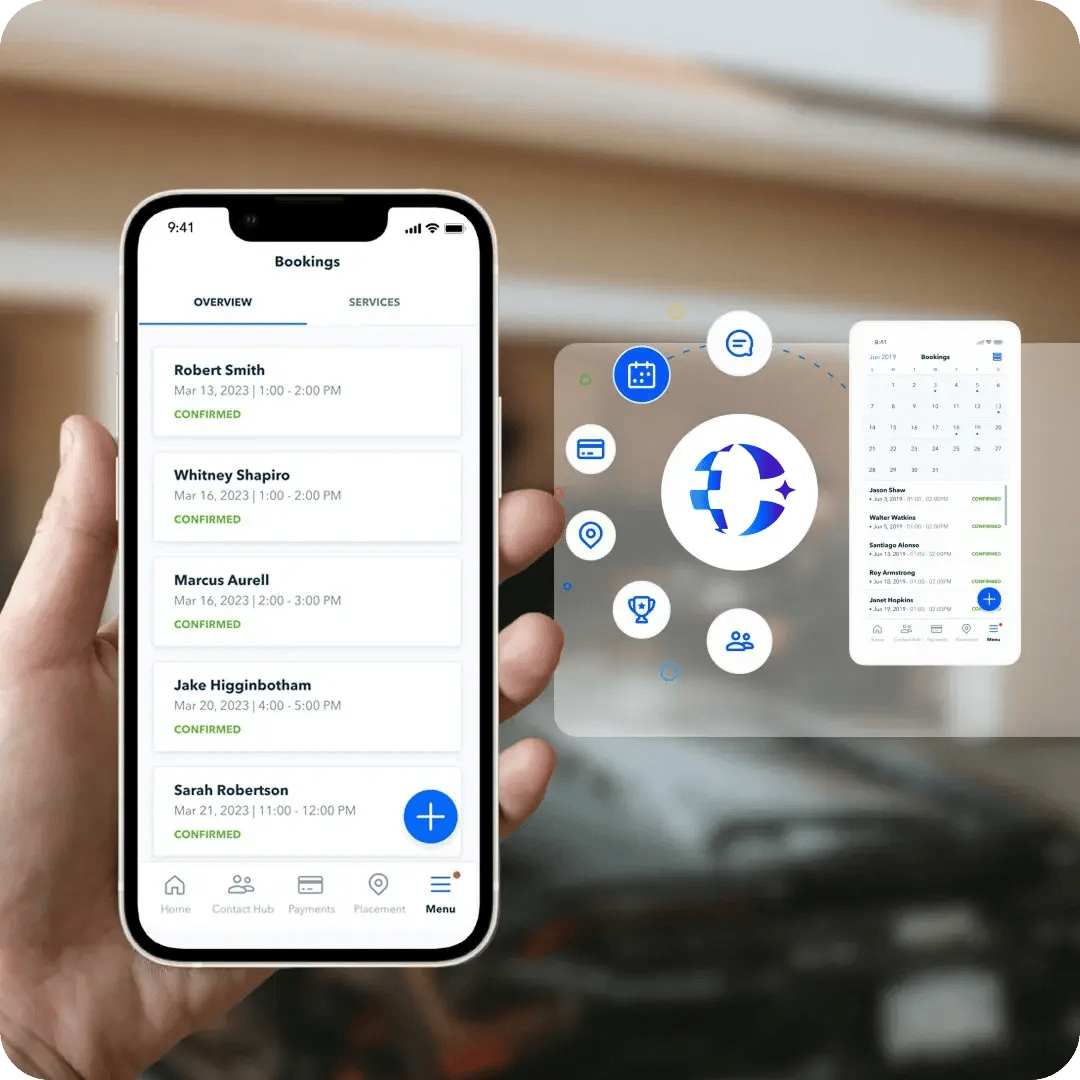
LEAD GENERATION TOOLS FOR LOCAL SERVICES BUSINESSES
Connect, Chat and Book with Ease — All in One Place
As a local business owner, you wear many hats. Let Champcor make your life easier.
GET STARTED
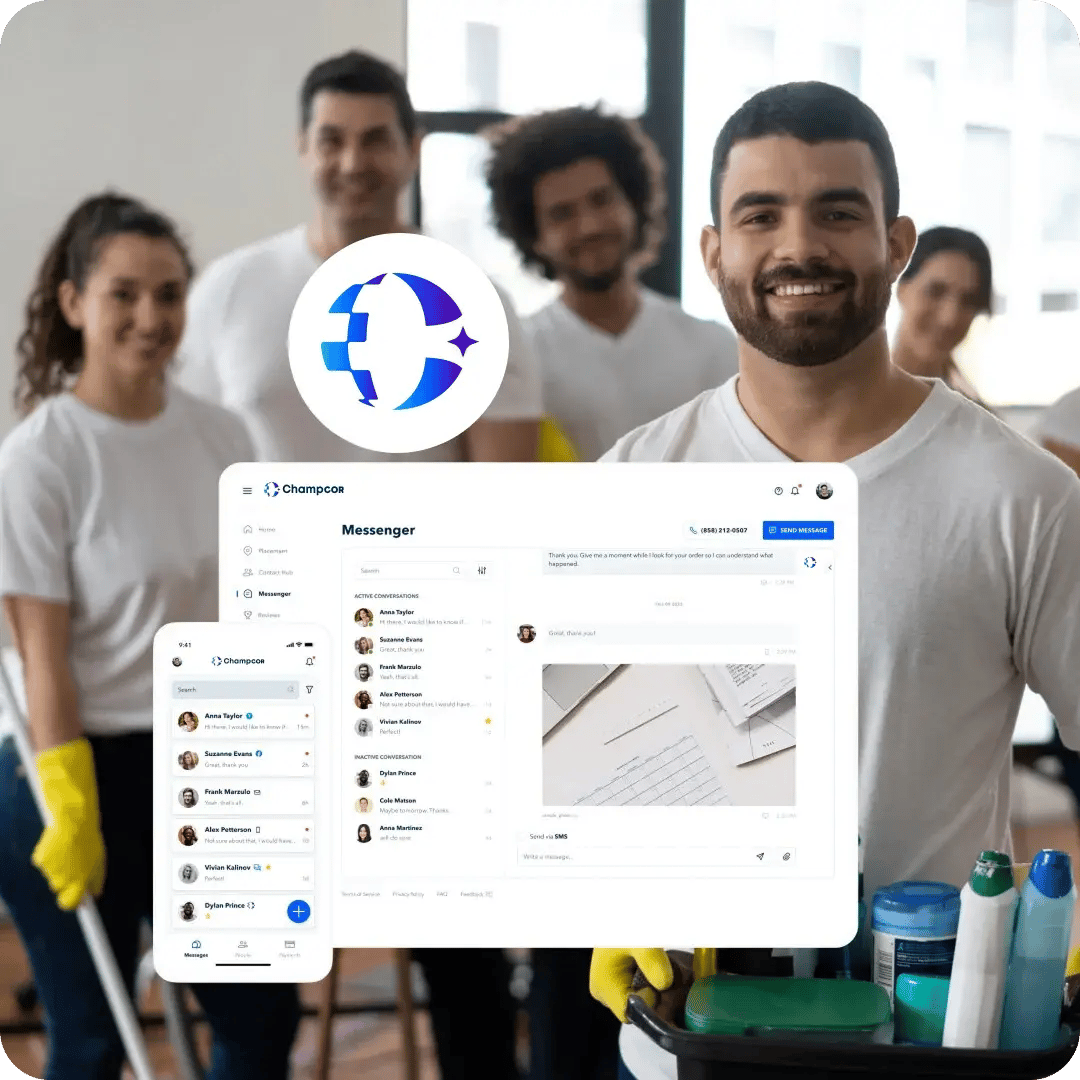
BOOK MORE JOBS
Use Champcor to Do the Work of Multiple People
Our tools provide simple technology to help you streamline your sales process:
Bring all your online messages into one messenger app.
Add web chat to your website & chat with customers in real time.
Offer customers online booking based on your availability.
Sync Champcor with your Thumbtack account & turn more prospects into customers.
Champcor is more than a small business web design company. We help local service businesses increase their incoming jobs with far less hassle.
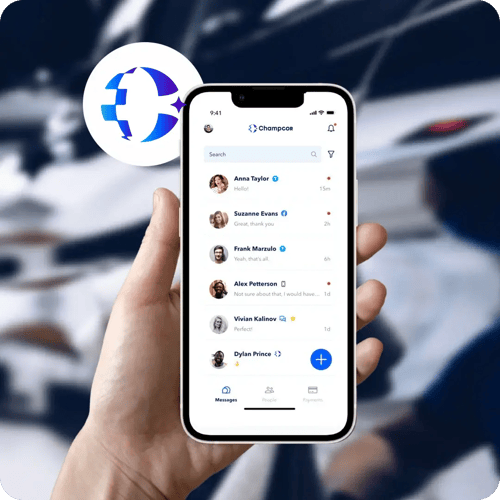
A MOBILE-FRIENDLY MESSAGING CENTER
Effortlessly Book More Jobs While on the Job
In one easy-to-use app, you can manage messages from...
Web chat
SMS
Thumbtack
Now you can respond faster than your competitors. Answer customer inquiries in real time or set auto responses to gather initial information to contact later.
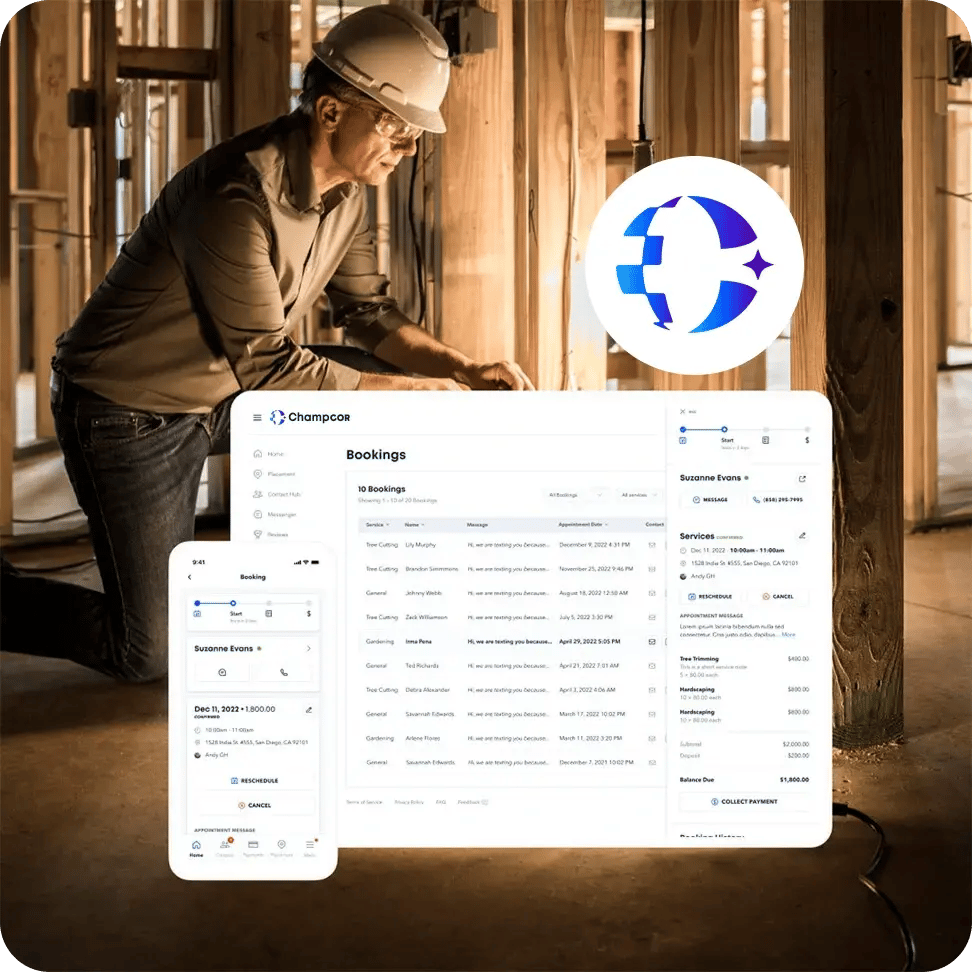
24/7 ONLINE BOOKING
Let Customers Book Anytime, Anywhere
Customer scheduling is a breeze with GoSite.
Sync your Google or Outlook calendar.
Add your services.
Share your online scheduling link wherever you like.
Add a Book Now button on your website.
Take an initial deposit at time of booking if you prefer.
Champcor is US-based company dedicated to serving the needs of local business owners just like you.